Pay merchants faster with Quick Pay UG
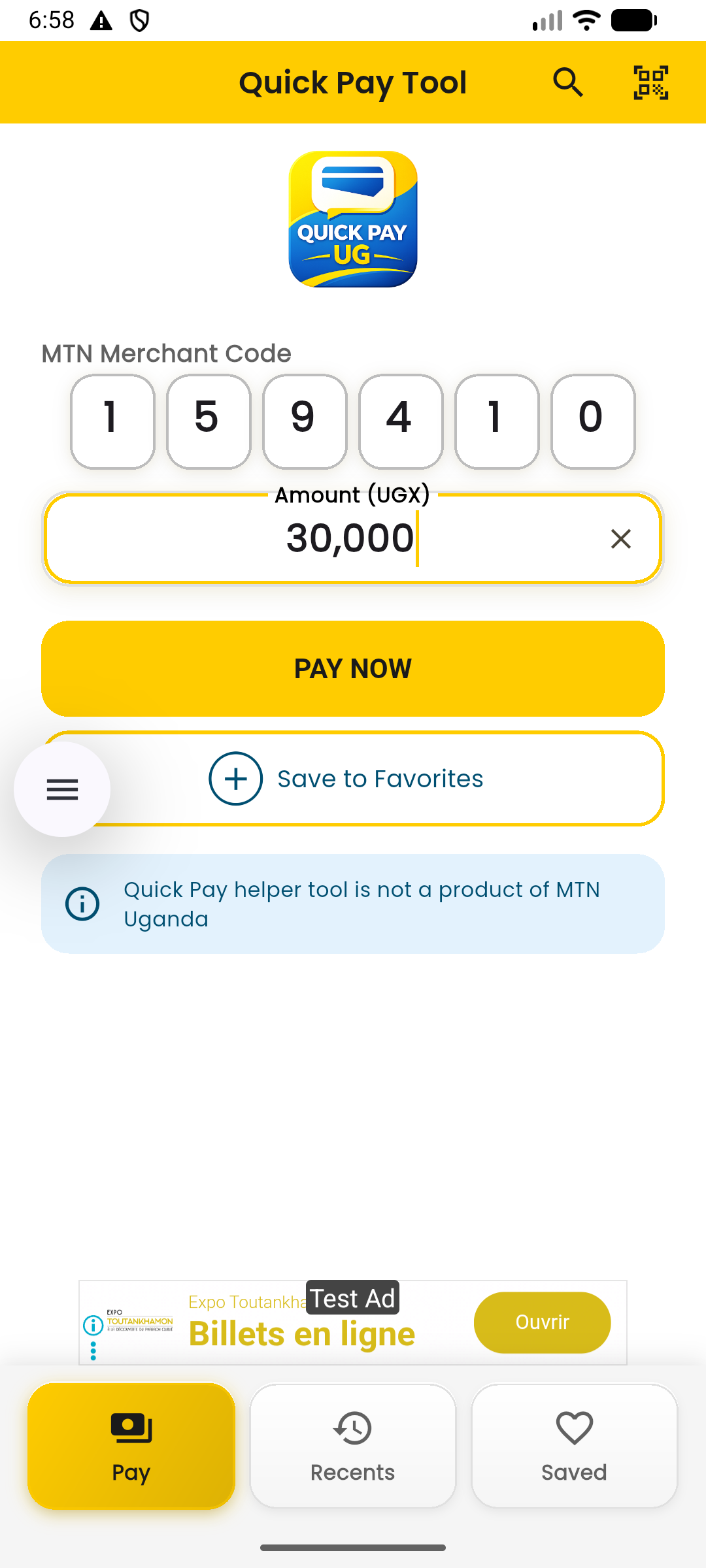
Quick Pay UG is a simple helper app that lets you save frequently used merchant codes and open your payment flow quickly. No more re-typing long codes or repeatedly asking for the same merchant details.
How Quick Pay UG helps you
Designed for speed and convenience at checkout.
Skip typing long codes
Use saved merchants for quick access and fewer mistakes.
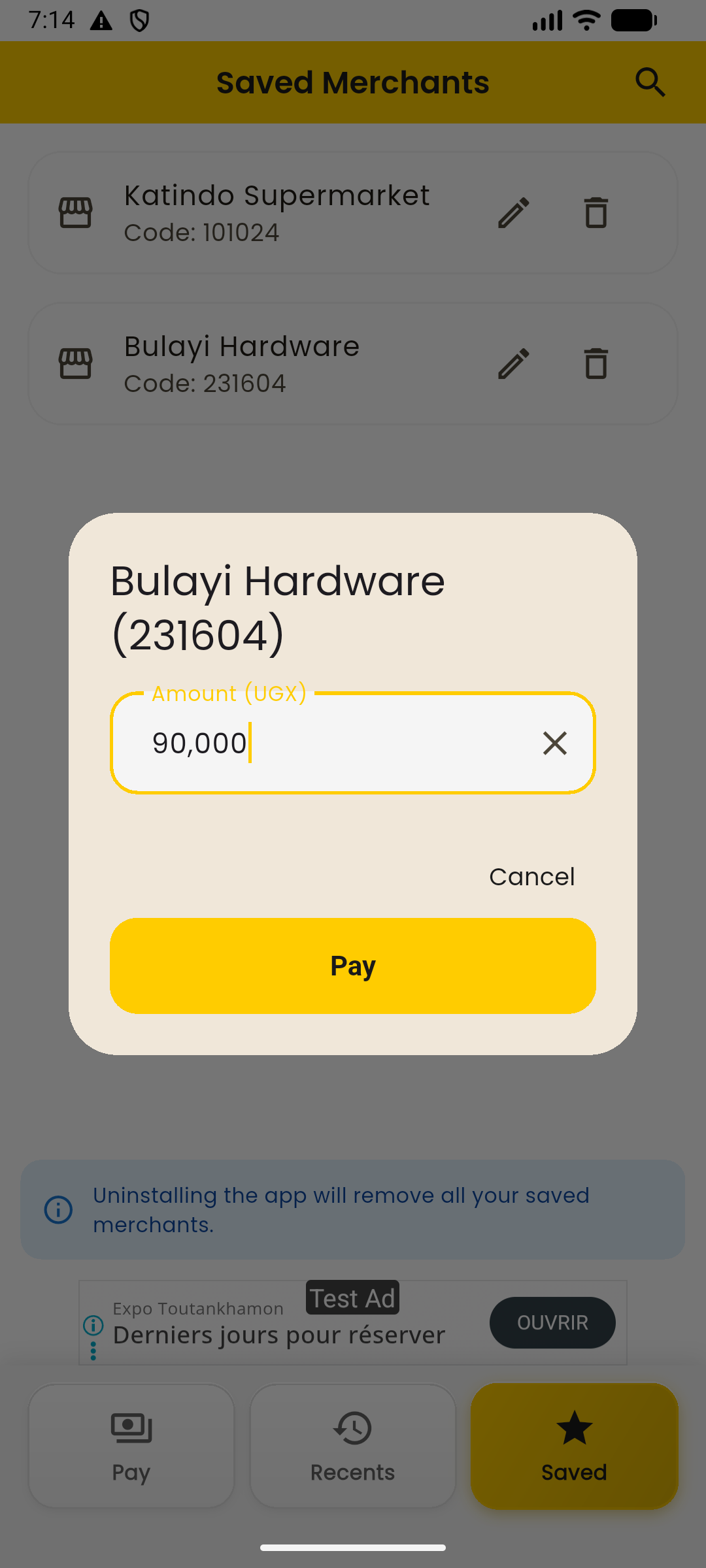
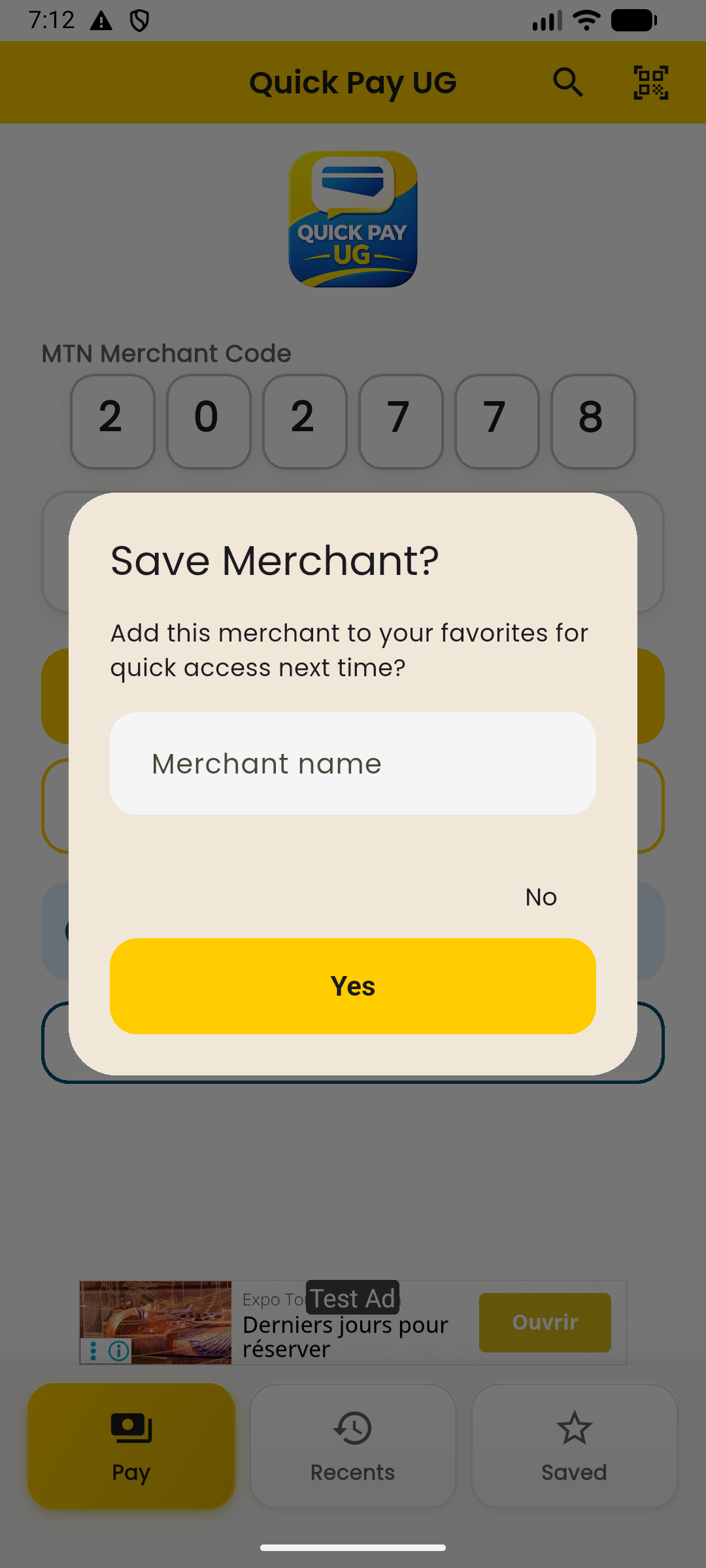
Save frequently used merchants
Store your common merchants with a name (e.g., “Kazinde Supermarket”).
Home screen widget
Open Quick Pay UG from your home screen in one tap.
Location tagging for merchants
Tag a merchant location (optional) so you don’t accidentally pay the right merchant name but the wrong branch.
Security: biometric or 4‑digit PIN
Lock the app with biometrics or a 4‑digit PIN (optional) for extra privacy on your phone.
Add the widget in 3 steps
Choose “Widgets” or “Add widgets”.
You may search within widgets on some phones.
Now payments are faster.
Need help?
We support you via WhatsApp and email.
When reporting an issue, include a screenshot and your phone model.
Screenshots
Add your app screenshots here for a more “Play Store” feel. Upload images into public/assets/screenshots/ then deploy.
FAQ
Quick answers for common questions.
Is Quick Pay UG an official MTN app?
No. Quick Pay UG is an independent helper tool and is not affiliated with MTN.
Does Quick Pay UG store my mobile money PIN?
No. Do not share your PIN with anyone. Quick Pay UG is designed to help you access your flow faster; you should always confirm payment details yourself.
Can I remove saved merchants?
Yes. You can delete saved merchants inside the app any time.
What is location tagging used for?
It helps you distinguish between branches. For example, if you save “Kazinde Supermarket”, adding an optional location tag reduces the chance of paying the correct merchant but the wrong branch.
Can I lock the app?
Yes. You can enable an optional app lock using biometrics (fingerprint/Face ID) or a 4‑digit PIN.